Contents
For a near-vanilla server, start from Better MC or Vanilla Perfected; for a Pokémon server, from the Cobblemon Official Modpack or COBBLEVERSE; for an RPG, from Prominence II. Always check the modpack’s loader and version, then import it into your launcher in a few clicks.
Why start from a Modrinth modpack?
Modrinth is an open platform for mods and modpacks, with a public API. A Modrinth modpack (.mrpack file) holds the exact list of mods, their versions and the configs: a base tested by thousands of players, which you can then adapt.
Before choosing, check three things on the modpack’s page: the loader (Fabric, Forge, NeoForge), the Minecraft version, and whether it is client-only (a performance pack) or adds content that must also be installed on the server.
Vanilla+: the base game, improved
- Better MC (BMC2 on Fabric, BMC4 on Forge, 1.20.1): a very complete “vanilla+” with new biomes, structures and comfort, without changing the game’s nature.
- Vanilla Perfected (recent versions): a compilation of vanilla+ mods and packs that polish the experience without straying from it.
Performance: a light base
These modpacks add no content: they make the game smoother, client-side. Ideal starting points for a vanilla or PvP server.
- Fabulously Optimized (Fabric, latest versions): great graphics, performance and familiar features, in a simple package.
- Sodium Plus (Fabric, recent versions): client-side optimization with a few extra tweaks.
Pokémon: Cobblemon
Cobblemon adds creatures to catch and battle, in a style true to Minecraft. It is one of the most requested server types.
- Cobblemon Official Modpack (Fabric, 1.20.1 and 1.21.1): the official pack, the safest base.
- COBBLEVERSE (1.21.1): a complete Pokémon adventure, with every Pokémon and many additions.
- Cobblemon Delta (1.20.1 and 1.21.1): Cobblemon with comfort and performance mods.
RPG, adventure and horror
- Prominence II: Hasturian Era (Fabric, 1.20.1): a lore-rich RPG with talent-based progression and custom content.
- Cave Horror Project (Forge, 1.20.1): a horror adventure with quests and a story, in chapters.
Import a modpack into your launcher
- In the creation wizard, pick “Choose another modpack” (or later, Game › Mods).
- Search the modpack on Modrinth or CurseForge, or upload its .mrpack or .zip file.
- Adjust if needed: add your mods, remove the ones you don’t use.
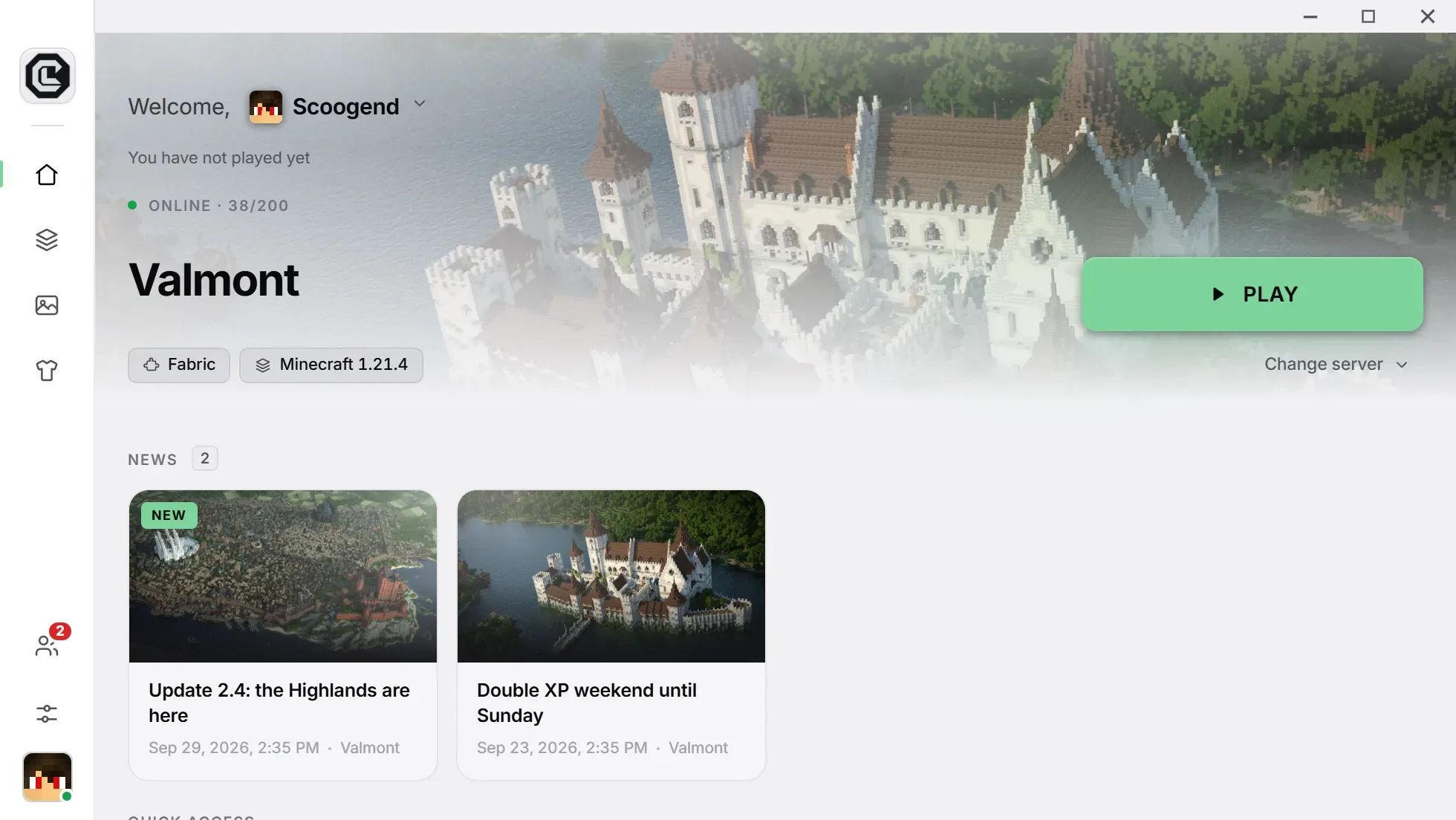
- Publish: your players get the complete modpack, then every update automatically.
Remember to install the same content mods on your server. Details on our Modrinth and CurseForge import page.
What people ask us the most.
Does a client-side modpack need to be installed on the server?
No. Performance packs like Fabulously Optimized only change the client: your server can stay vanilla.
Can I edit an imported modpack?
Yes. After import, add, remove or replace mods; every release is checked.
How much storage do I need?
A performance pack takes a few dozen MB; a big content modpack can exceed a GB. The free plan offers 250 MB, Pro 15 GB.