Modrinth and CurseForge integration
Your Modrinth or CurseForge modpack, in your launcher.
Search a modpack and import it: mods, configs and dependencies are carried over, then delivered to your players with every update.
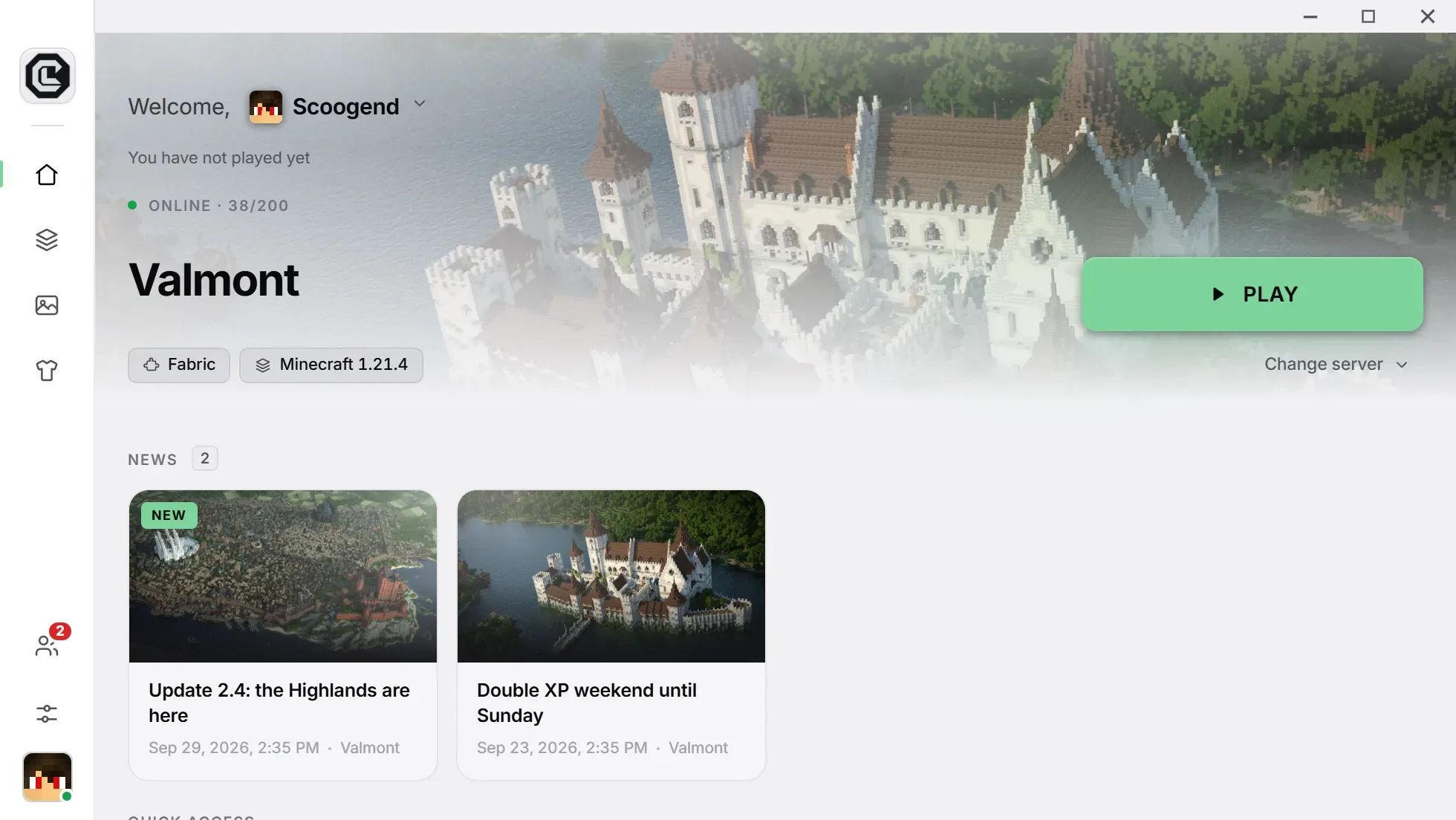
In CraftLauncher, you search a Modrinth or CurseForge modpack from the dashboard, or upload its file (.mrpack or .zip): mods, configs and dependencies are imported, compatibility is checked, and your players’ launcher installs everything automatically.
What the import does
A complete modpack, without copying a file.
Built-in search
Browse Modrinth and CurseForge from the dashboard, or upload a .mrpack or .zip file.
Everything carried over
Mods, config files, resource packs and shaders included in the modpack.
Resolved dependencies
Libraries your mods require are detected and added.
Loader detected
Forge, NeoForge or Fabric, and the right Minecraft version, set from the modpack.
Checked before release
Incompatible mods, missing versions and missing dependencies are flagged before the build.
Delivered to your players
The launcher installs the modpack, then only changed files are downloaded at each update.
In practice
Import a modpack in three steps
Pick “Choose another modpack”
In the creation wizard, or later in Game › Mods.
Search or upload
Find the modpack on Modrinth or CurseForge, or upload its exported file.
Publish
The build starts; your players get the complete modpack.
Questions
What people ask us the most.
Can I edit the modpack after importing it?
Yes: add, remove or replace mods, and add your own files. Every release is checked.
Can every CurseForge mod be imported?
Most of them. Some authors forbid redistributing their mods outside CurseForge: those are flagged during the import, and you can replace them.
Is my modpack too big?
It must fit your plan’s storage: 250 MB on Free, 15 GB on Pro, 30 GB on Network, extendable per GB.
Import your first modpack
Free, no credit card: your launcher is ready in minutes.
Free, no credit card