Forge
Your server’s Forge launcher, with no manual install.
Your players install your launcher and click Play: Forge, your mods and the right Java version are already there. Updates follow on their own.
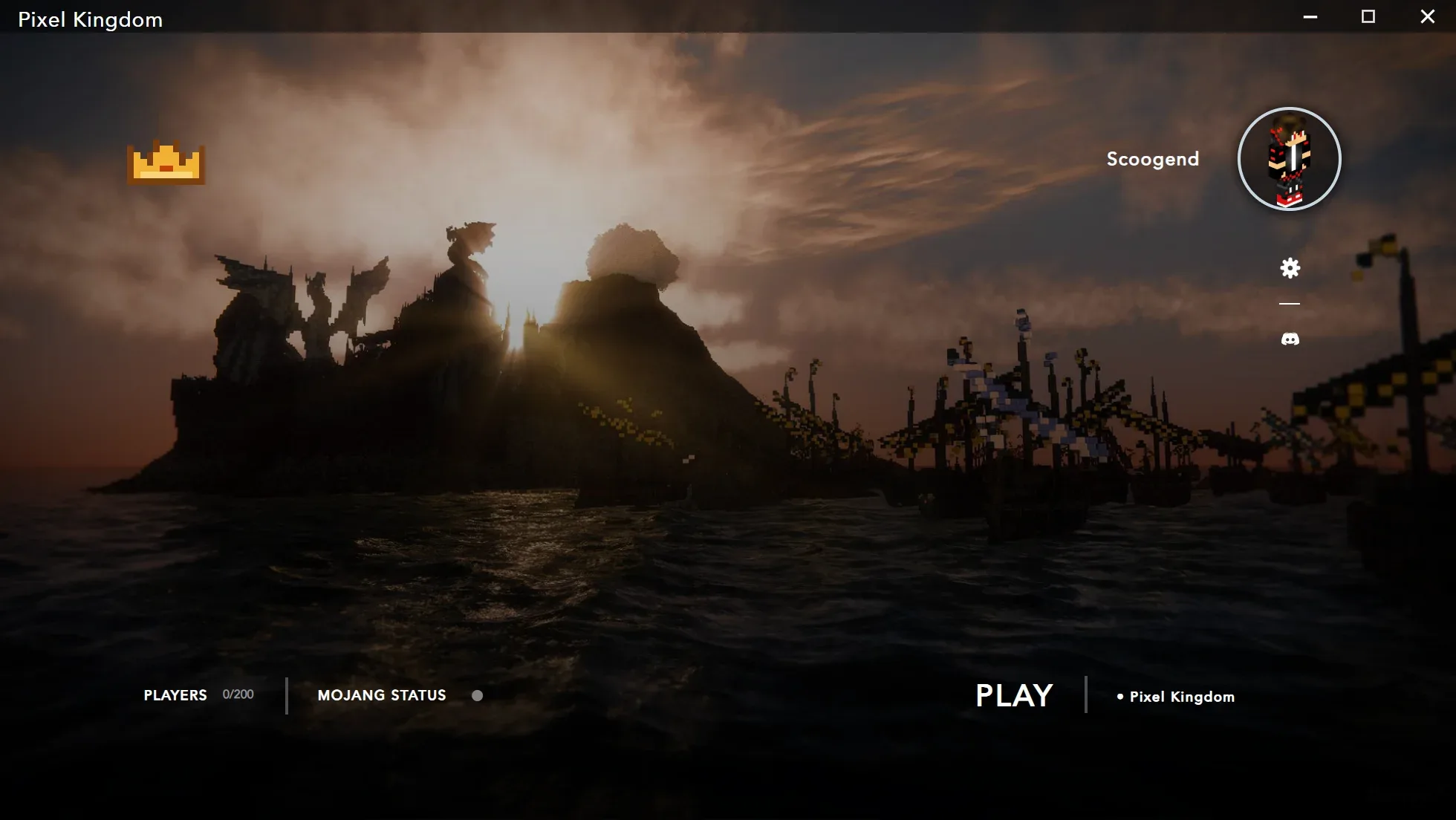
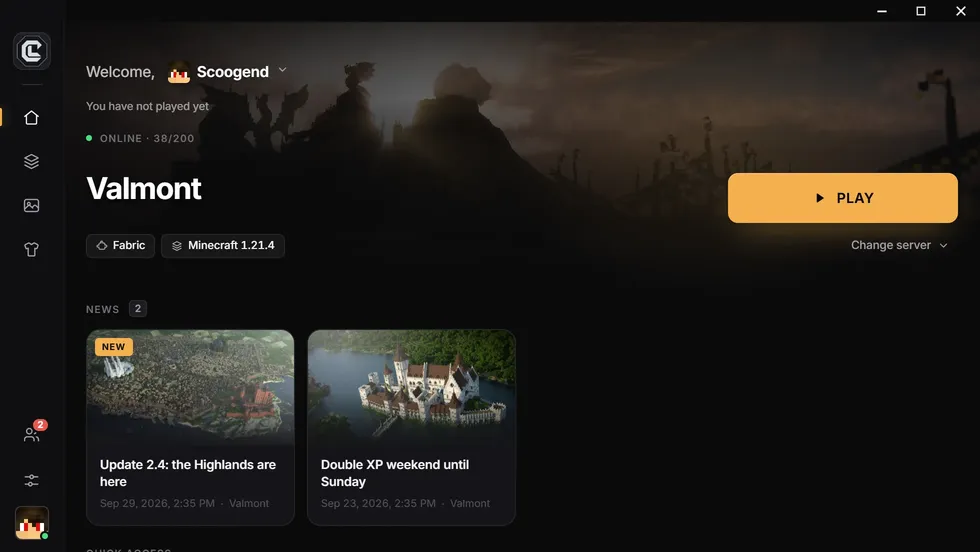
To build a Minecraft Forge launcher, CraftLauncher installs Forge automatically for your Minecraft version, checks your mods before each release and ships an installer to your players: they install nothing by hand, and every modpack update reaches them at the next launch.
Forge
Why Forge needs a launcher
Forge is Minecraft Java’s original mod loader. The big classic modpacks (All the Mods, RLCraft, FTB packs up to 1.20.1) run on it, and thousands of mods only exist for Forge.
Without a launcher, every player has to install the right Forge version, the right Java version, then copy dozens of mods without missing one. The smallest mistake ends in a startup crash, and a message in your Discord.
Since 1.20.2, much of the ecosystem has moved to NeoForge, its successor. CraftLauncher supports both: you choose when you create the launcher.
What CraftLauncher does
Forge, without the manual steps.
Forge installed for you
The launcher downloads and installs your modpack’s Forge version: the latest compatible one by default, or the one you set.
Automatic Java
The right Java version is installed for your Minecraft version: Java 8, 17, 21 or newer.
Checked mods
Minecraft versions, Forge compatibility and missing dependencies are checked before the build.
Modrinth and CurseForge import
Search a Forge modpack: mods, configs and files are carried over, dependencies included.
Automatic updates
You publish, your players get the new mods at the next launch. Only changed files are downloaded again.
Protected mods
Only published mods run, and the mod vault (Pro and Network) encrypts your custom mods.
In practice
Your Forge launcher in four steps
Pick Forge
In the creation wizard, enter your Minecraft version and choose Forge as the loader.
Add your mods
Import a Modrinth or CurseForge modpack, or drop your .jar files and configs.
Make it yours
Name, logo, background: the launcher carries your server’s identity.
Publish and share
The build runs on our servers; you share the download link with your players.
Questions
What people ask us the most.
Which Forge versions are supported?
Forge versions from older Minecraft releases to the latest ones. By default, the launcher uses the latest Forge compatible with your Minecraft version; you can set a specific one in the advanced settings.
Can I mix Forge and Fabric mods?
No: a server uses a single loader. One launcher can however offer several instances (on paid plans), for example a Forge server and a Fabric server, each with its own mods.
Forge or NeoForge for a new server?
Up to 1.20.1, Forge is still the reference. For newer versions, most big mods (Create, Mekanism, All the Mods) ship first on NeoForge. CraftLauncher supports both.
Do my players need to install Forge?
No. The launcher installs Forge and Java on its own. Your players click Play.
Create your Forge launcher
Free, no credit card: your launcher is ready in minutes.
Free, no credit card