Discord integration
Your launcher and your Discord, finally connected.
Every update announced in your channel, and your players shown “in game” on your server: your Discord community follows what is happening, without you writing a line.
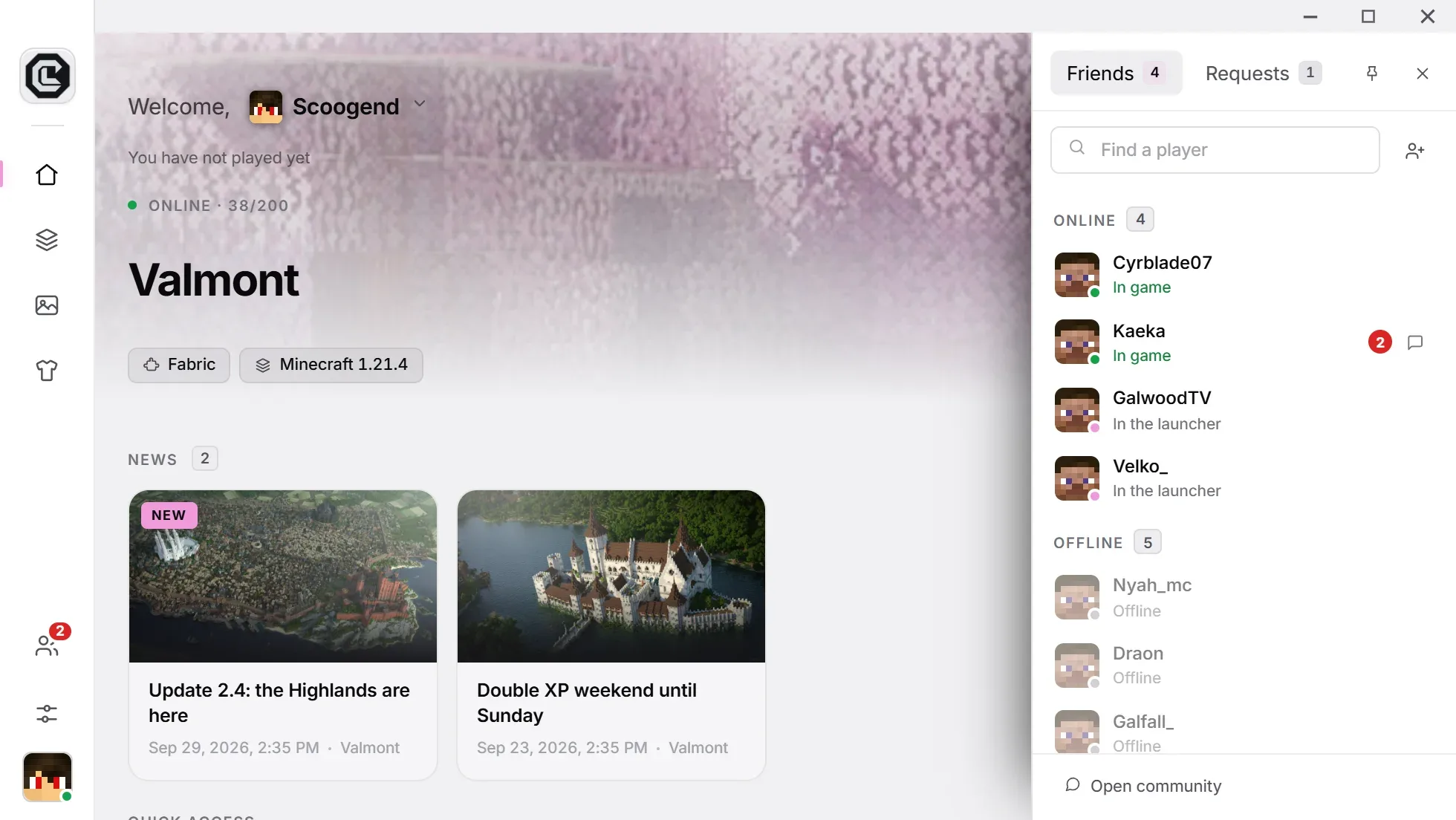
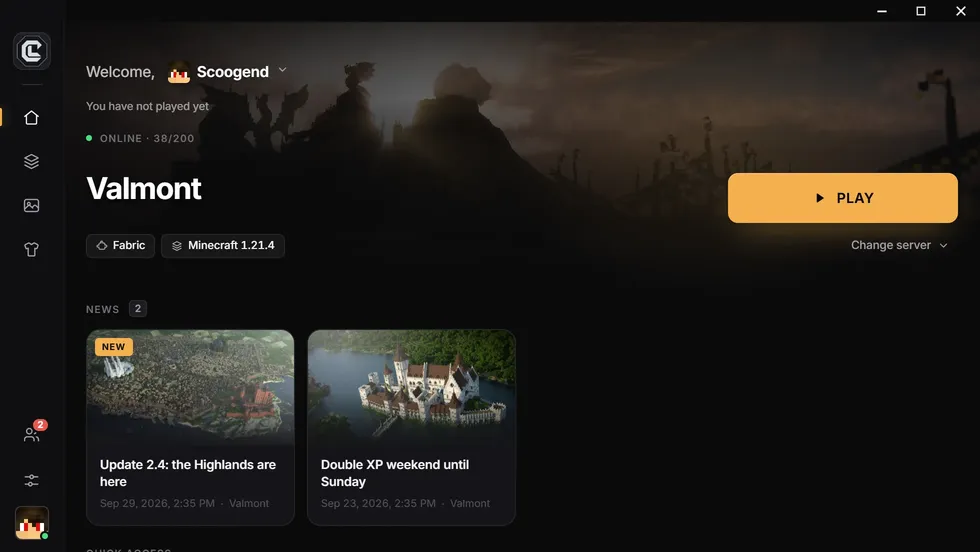
CraftLauncher connects your launcher to Discord in two ways: a webhook announces every new version in the channel of your choice (with a role mention if you want), and Rich Presence shows on your players’ Discord profiles that they are playing on your server.
What the integration does
Discord, working for your server.
Automatic announcements
With each release, a message lands in your channel: version, number of mods and download links.
In your colors
The announcement’s title, text and color are set in the dashboard; a test message checks the result.
Role mentions
Notify only the players concerned, by mentioning the role of your choice.
Rich Presence
Your players’ Discord profiles show they are in game on your server, with your logo and play time.
A link to share
A craftlauncher.app/dl/your-server address and a QR code, giving everyone the right installer.
On Pro and Network plans
Announcements and Rich Presence are part of the paid plans.
Setup
Connect Discord in three steps
Create a webhook
In Discord: channel settings › Integrations › Webhooks › New webhook, then copy its URL.
Paste it in the dashboard
Add the URL, choose the title, text, color and role to mention, then send a test.
Publish
Your launcher’s next update is announced automatically.
Questions
What people ask us the most.
Do I need a Discord bot?
No. A simple channel webhook is enough: it takes seconds to create in the channel settings, with no bot to invite.
Does Rich Presence work if the player doesn’t have Discord?
The launcher works normally: Rich Presence only turns on if the Discord app is open on the player’s computer.
Can I turn announcements off?
Yes, at any time from the dashboard, without deleting the webhook.
Connect your launcher to Discord
Create your launcher for free, then move to Pro for announcements and Rich Presence.
Free, no credit card