Contents
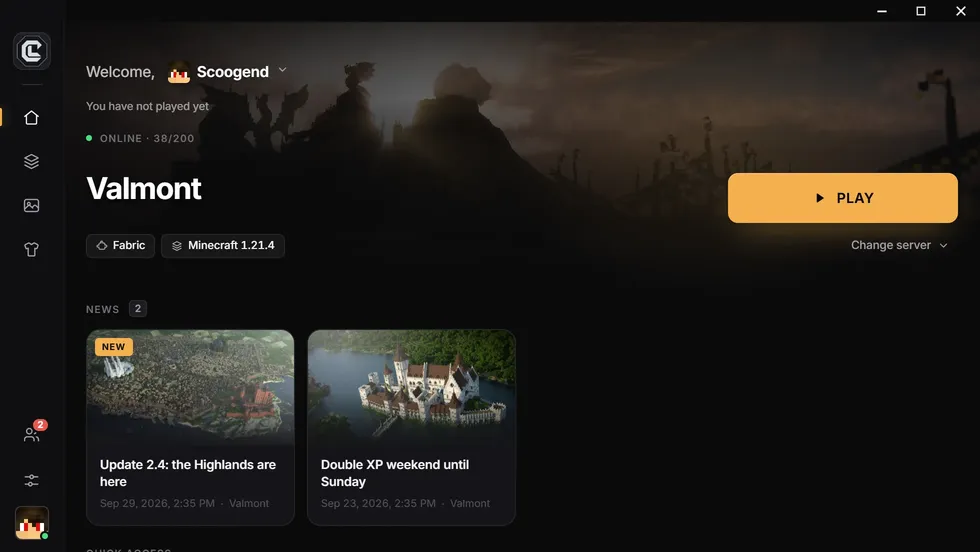
The most reliable way to distribute Minecraft mods is a custom launcher: players install it once, it downloads the mods, the loader and Java, then applies every update automatically at the next launch. With CraftLauncher, you publish from a web dashboard, without code.
The problem with manual distribution
The usual method (a .zip on Discord and a tutorial) works for five friends. Beyond that, the same problems keep coming back:
- players with the wrong version of a mod, or a duplicate mod;
- the wrong version of Forge, NeoForge, Fabric or Java;
- a modpack update half the players never applied;
- hours of support for install problems.
The possible methods
- Zip + tutorial: free, but everything relies on the player.
- Public modpack on Modrinth or CurseForge: players install it with their own launcher. Handy, but your modpack becomes public, and each player must update it.
- Custom launcher: an installer with your name that handles everything, updates included. It is the only method where you control what each player runs.
What a custom launcher does
- Complete install: mods, configs, loader and the right Java version.
- Automatic updates: only changed files are downloaded again at the next launch.
- Identical files for everyone: a mod added by hand is quarantined.
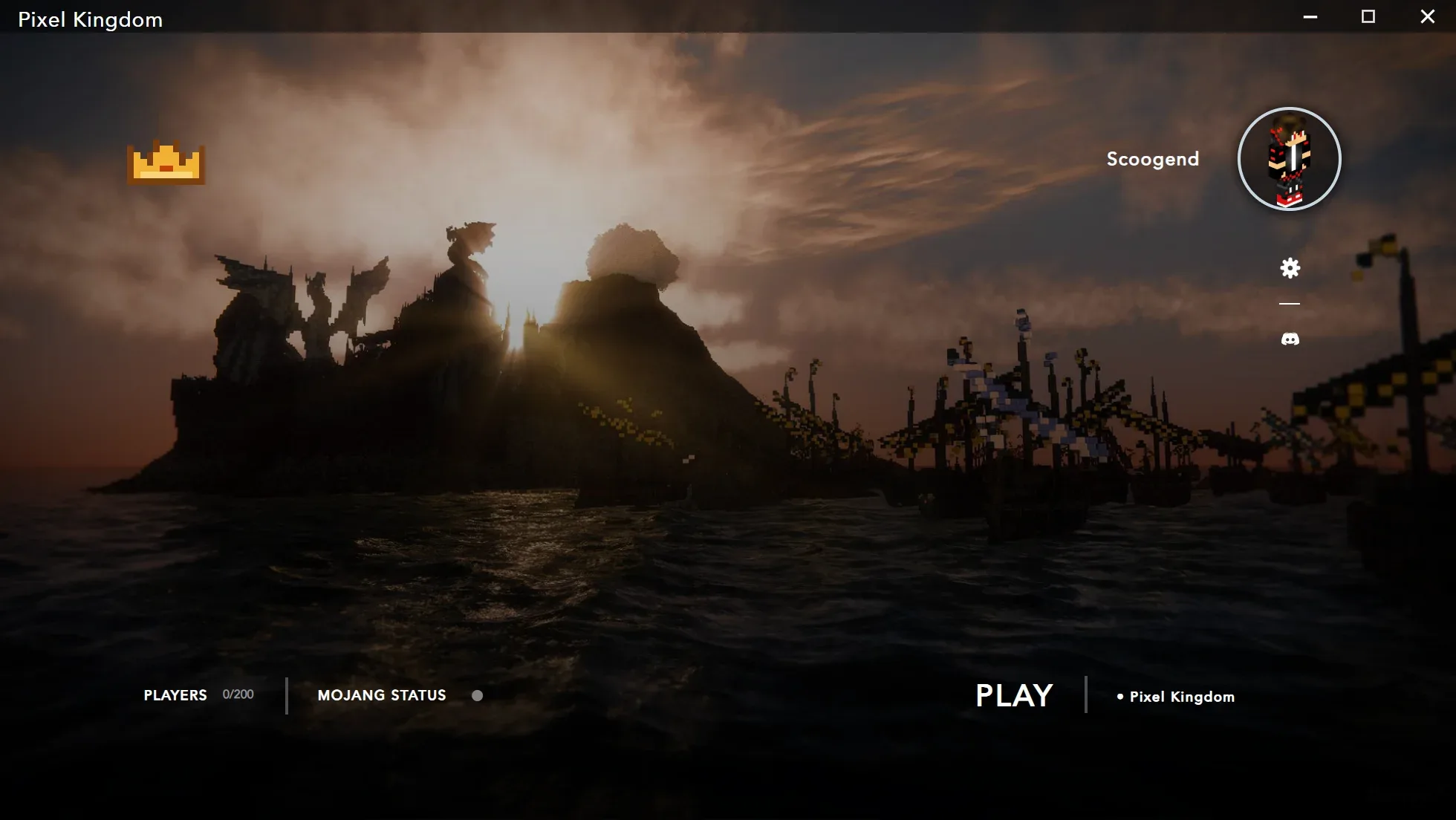
- Preconfigured server: the player clicks Play and lands on your server.
Distribute your mods with CraftLauncher
- Add your mods in the dashboard: upload your .jar files, import a Modrinth or CurseForge modpack, or start from the wizard’s sets.
- Let the checks work: versions, loader and dependencies are checked before the build.
- Publish: Windows and Linux installers (and macOS on paid plans) are built and hosted.
- Share the link craftlauncher.app/dl/your-server: each player gets the right installer.
Update without reinstalling
For a mods change, publish a “mods only” update: faster than a full build, it reaches your players at the next launch. If your launcher offers several servers, you can update only the one that changed.
Update the server at the same time: a player with a mod the server lacks (or the other way round) will be refused on connection.
Best practices
- Split client and server: server-only mods don’t belong in the launcher, client-only mods (minimap, shaders) don’t belong on the server.
- Respect licenses: some authors forbid redistributing their mods outside CurseForge. They are flagged on import.
- Protect your creations: your custom mods can be encrypted by the mod vault (Pro and Network).
- Announce every update on the launcher’s home screen and on your Discord.
What people ask us the most.
Do players need to reinstall the launcher for each update?
No. The launcher updates itself, mods included, at the next launch.
Can I distribute custom mods?
Yes: upload your .jar files in the dashboard. The mod vault (Pro and Network) encrypts them on our servers.
How many players can download the launcher?
As many as you want, on every plan: only your files count toward the quota.