Pterodactyl
Pterodactyl for the server, CraftLauncher for your players.
Your panel runs the server: start, console, files. CraftLauncher handles the player side: the launcher, the mods and their updates. They complement each other.
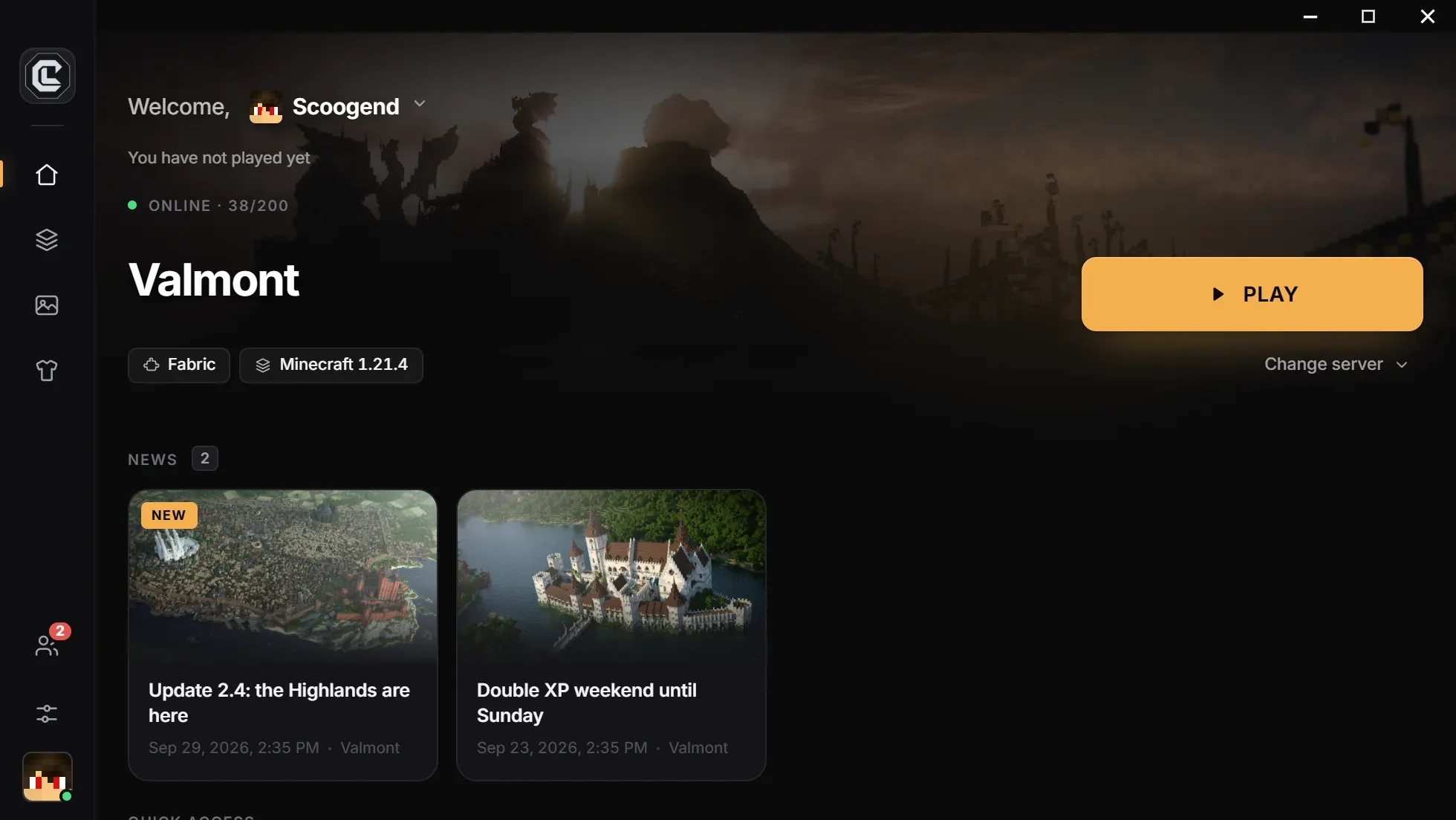
Pterodactyl and CraftLauncher don’t need to be connected: Pterodactyl hosts and runs your Minecraft server, CraftLauncher gives your players a launcher that installs exactly the same mods and connects to your server’s address.
Who does what
Each to its own job.
Pterodactyl: the server
Start, stop, console, files and resources of the Minecraft server.
CraftLauncher: the players
The launcher with your name, mods and Java installation, updates.
The same mods on both sides
Import the same modpack on the server and in CraftLauncher: everyone has the right files.
The server address
Entered once in CraftLauncher: your players click Play and land on your server.
Workflow
The recommended workflow
Set up the server in Pterodactyl
Install the loader and server-side mods, then start it.
Create the launcher
In CraftLauncher, import the same modpack and enter your server’s address.
Update together
With each mod change, update the server then publish the launcher: your players follow at the next launch.
Questions
What people ask us the most.
Do I need to install anything on my panel?
No. CraftLauncher doesn’t access your panel: it only needs your server’s address.
What about server-only mods?
Don’t publish them in the launcher: only client-relevant mods belong there. Server-only mods stay on Pterodactyl.
Does it work with another host?
Yes, with any host or panel: the launcher simply connects to your server’s address.
Create your server’s launcher
Free, no credit card: your launcher is ready in minutes.
Free, no credit card