Contents
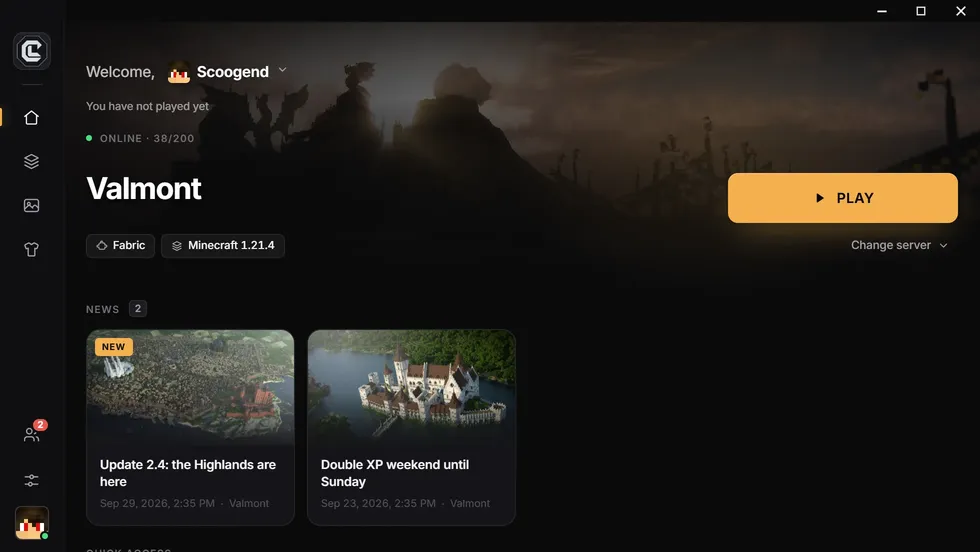
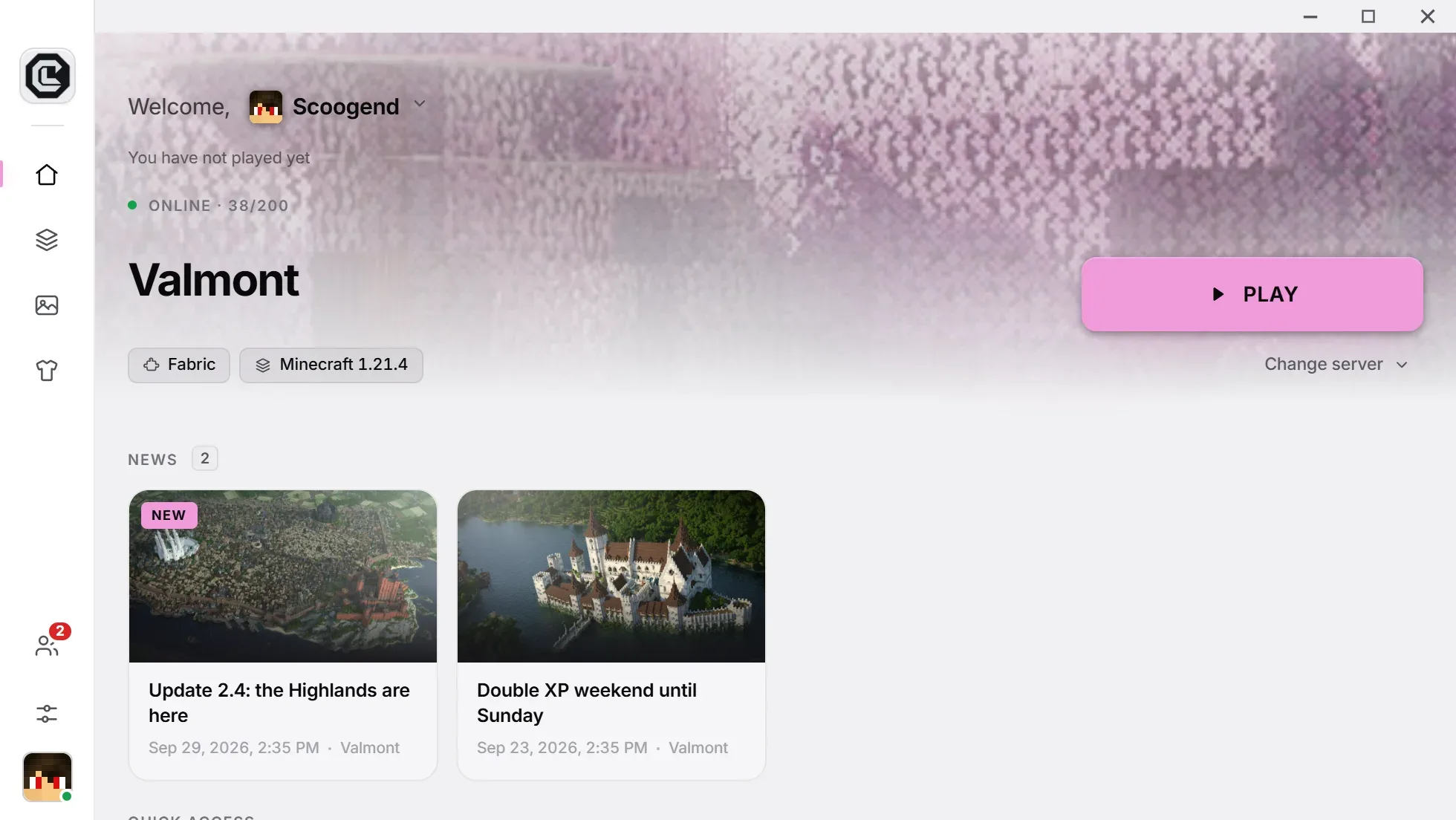
To make a custom Minecraft launcher without code, sign up to a service like CraftLauncher, answer the wizard (name, Minecraft version, loader, style), add your mods or import a modpack, then publish: you get a download link to share with your players, and every update reaches them automatically.
Why a custom launcher?
As soon as a Minecraft server adds mods, every player must install the right game version, the right loader (Forge, NeoForge or Fabric), the right Java version, then copy dozens of files without missing one. Every modpack update starts it all over again, and every mistake ends in a startup crash.
A custom launcher fixes this at the source: players install it once, click Play, and land on your server with exactly the same files as everyone else. It is also the first thing a new player sees: your name, your logo, your news.
Three ways to go about it
- Build it yourself: full control, but months of work (Microsoft sign-in, Java and loader installation, updates, builds for each system) and maintenance with every Minecraft version.
- Use a player launcher like Prism or CurseForge: free, but each player sets everything up, and the launcher doesn’t carry your name.
- Use a service that builds the launcher for you: that is CraftLauncher’s approach, covered below.
Each option is detailed in our comparison of alternatives.
Step 1: create your account
Sign up on craftlauncher.app by email, or with your Microsoft, Google or GitHub account. No credit card is required: the free plan lets you build a real, shippable launcher, with no time limit.
Step 2: answer the wizard
The creation wizard asks one question per screen, and the launcher builds itself live next to it:
- The name of your launcher, usually your server’s.
- What it launches: a server (you enter its address), or simply a modded version of the game.
- The server type: enhanced survival, tech, adventure, minigames and PvP, vanilla, or your own modpack. The type prefills the loader, version and sets of mods that work together.
- The Minecraft version and loader: Forge, NeoForge, Fabric or Vanilla. The Java version is picked for you.
- The style: the Classic theme, or Nebula (light or dark) on paid plans, with your background and logo.
Step 3: add your mods
Three ways to add content, which you can combine:
- The wizard’s sets: performance, map, comfort, tech… checked together for your version.
- Importing a modpack from Modrinth or CurseForge: search it in the dashboard or upload its file, mods and configs included. See Modrinth import.
- Your own files: .jar files, configs, resource packs and shaders.
Before each release, Minecraft versions, loader compatibility and missing dependencies are checked: an incompatible mod is flagged before it reaches your players.
Step 4: publish and share
Click Publish: the launcher is built on our servers as a Windows (.exe) and Linux (.AppImage) installer, plus macOS (.dmg) on paid plans. The first build starts right away; on the free plan, later ones are batched every day at 6 pm (Paris time).
You get an address like craftlauncher.app/dl/your-server and a QR code: each player automatically gets the installer for their system. Share it on Discord, your website or your socials.
After release: keep the launcher alive
- Update: add or remove a mod, publish “mods only”; your players get the new version at the next launch, with nothing to reinstall.
- Inform: post news on the launcher’s home screen, and announce every version on your Discord (Pro and Network).
- Track: who plays, who comes back, and crashes grouped by cause in the dashboard (Pro and Network).
What people ask us the most.
How long does it take to make a Minecraft launcher?
About five minutes of setup, then a few minutes of building for the first release.
Do I need to know how to code?
No. Everything is set in the wizard and the web dashboard; building and hosting are done for you.
Is it free?
Yes for one launcher, with 250 MB of storage and builds batched once a day. Pro and Network plans add on-demand builds, the Nebula theme, community and analytics.
Do my players need to own Minecraft?
Yes. They sign in with their Microsoft account; CraftLauncher does not let anyone play without buying the game.